Spreadsheet pixel art
Spreadsheet pixel art for Google Sheets and Excel. Pick a picture and download it as a spreadsheet: an empty grid of square cells with a color key. Type a number into a cell and it fills with that color, until the whole picture appears.
Class packs. Teaching a whole class? The packs above put up to ten pictures of one theme, such as Christmas, animals or food, into a single file: one grid per sheet for students, and the answers on the last sheets.
Ready for the classroom. The cells are already square and the colors are set up with conditional formatting, so there is nothing to prepare. A second sheet holds the finished picture as an answer key. In Google Sheets, open a blank sheet and choose File, Import, Upload. Prefer paper? Every picture is also a printable color by number sheet.
 Strawberry
 Ice Cream Cone
 Smiling Mushroom
 Orange Cat Face
 Rubber Duck
 Cupcake
 Goldfish
 Rainbow
 Lighthouse at Sunset
 Hot Air Balloons
 Orange Butterfly
 Mountain Lake
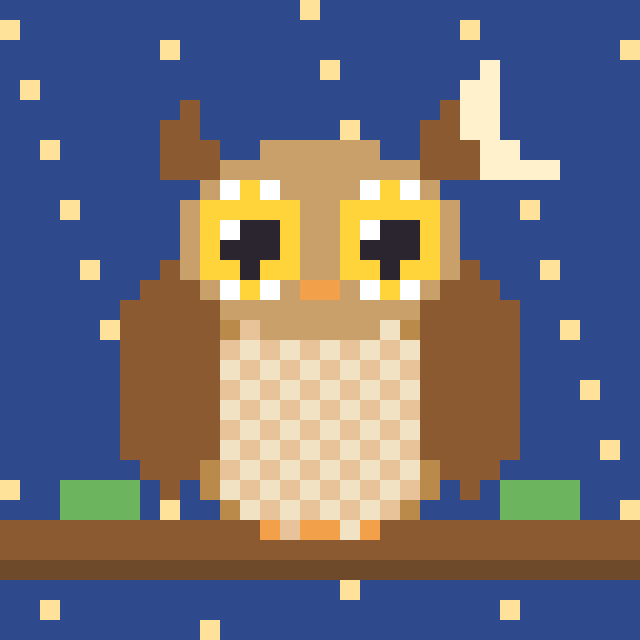 Owl at Night
 Sailboat
 Black Cat
 White Kitten
 Gray Tabby Cat
 Sitting Ginger Cat
 Siamese Cat
 Tuxedo Cat
 Brown Puppy
 Dalmatian
 Golden Retriever
 Husky
 Corgi
 Pug
 Teddy Bear
 Panda
 Bunny
 Fox
 Pig
 Frog
 Baby Chick
 Penguin
 Bee
 Ladybug
 Lion
 Koala
 Monkey
 Little Owl
 Red Apple
 Watermelon Slice
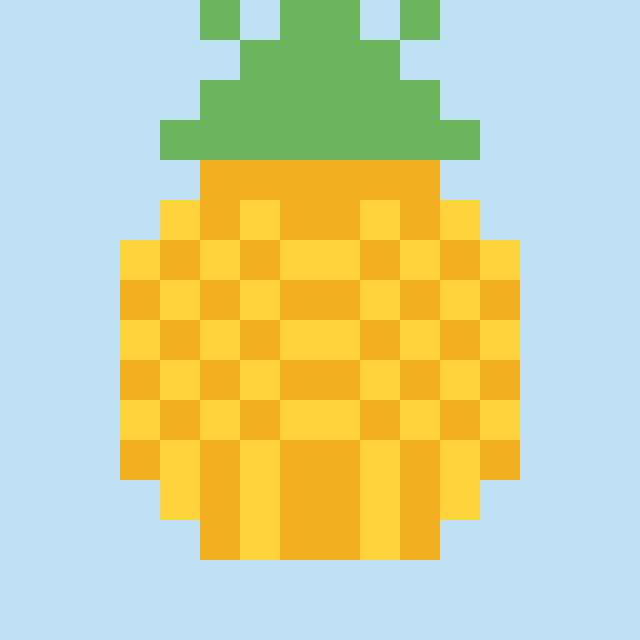 Pineapple
 Cherries
 Orange
 Banana
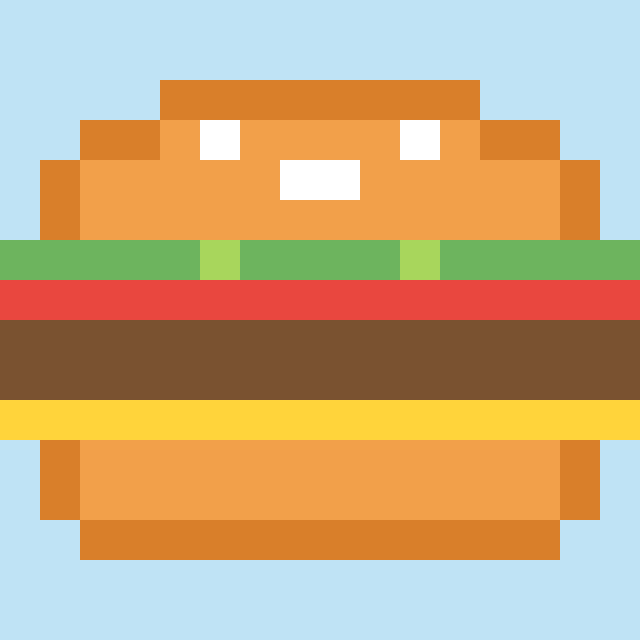 Cheeseburger
 Pizza Slice
 French Fries
 Rice Ball
 Fried Egg
 Pink Donut
 Chocolate Chip Cookie
 Lollipop
 Birthday Cake
 Bubble Tea
 Ice Pop
 Carrot
 Smiling Sun
 Pink Tulip
 Sunflower
 Daisy
 Red Rose
 Green Tree
 Cactus in a Pot
 Happy Cloud
 Four-Leaf Clover
 Red Heart
 Rainbow Heart
 Smiling Heart
 Love Letter
 Heart Balloon
 Purple Heart
 Christmas Tree
 Snowman
 Santa Claus
 Reindeer
 Gingerbread Man
 Christmas Present
 Candy Cane
 Christmas Ornament
 Christmas Star
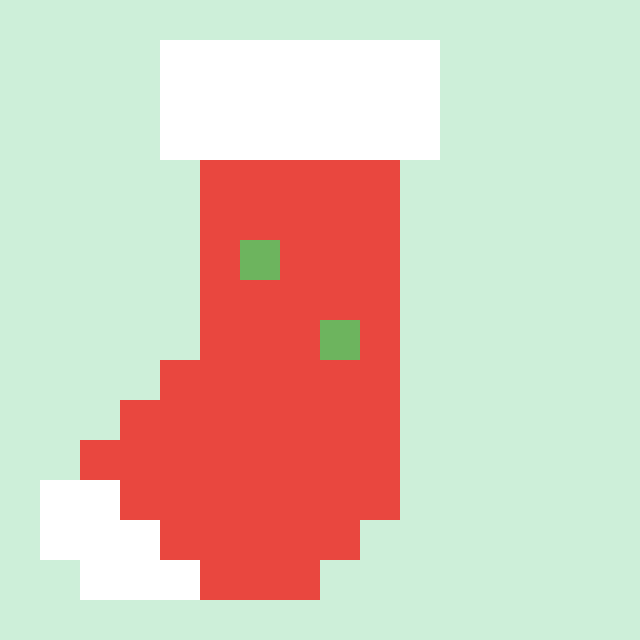 Christmas Stocking
 Jack-o-Lantern
 Friendly Ghost
 Purple Bat
 Witch Hat
 Candy Corn
 Skull
 Rocket
 Green Alien
 UFO
 Planet Earth
 Ringed Planet
 Crescent Moon
 Red Crab
 Purple Octopus
 Pink Jellyfish
 Sea Turtle
 Blue Whale
 Starfish
 Unicorn
 Gold Crown
 Blue Diamond
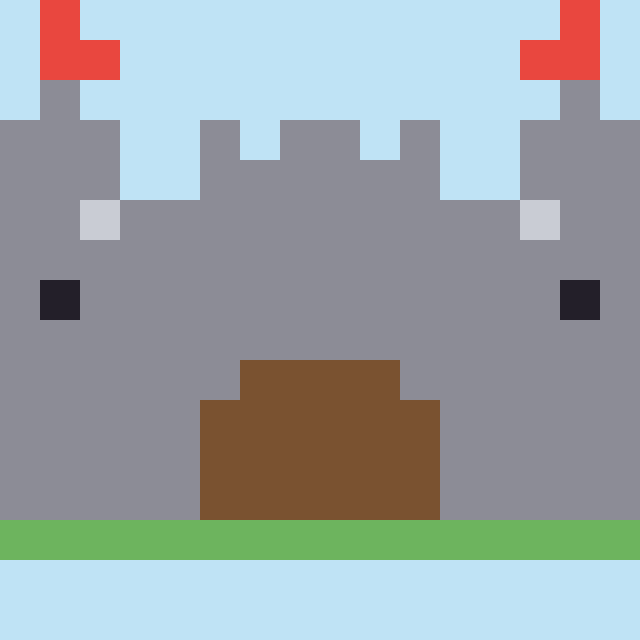 Castle
 Magic Potion
 Sword
 Hot Air Balloon
 Red Car
 School Bus
 Little Sailboat
 Steam Train
 Cow
 Sheep
 Hen
 Red Barn
 Elephant
 Mouse
 Snail
 Green Dinosaur
 Shark
 Green Dragon
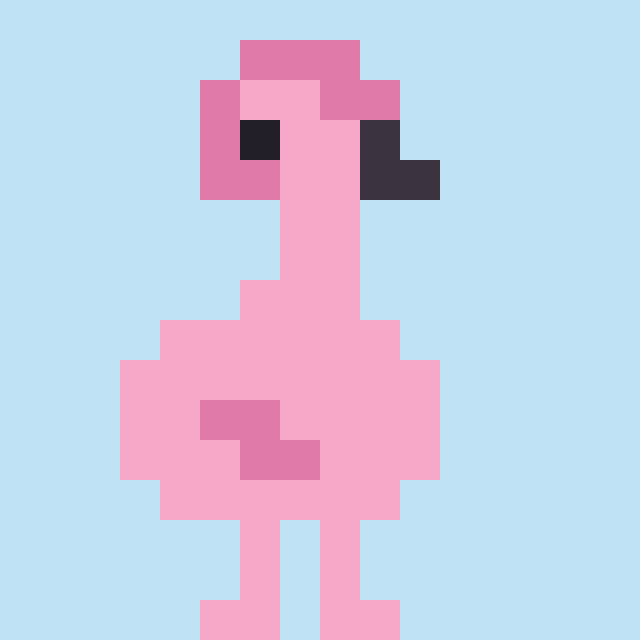 Flamingo
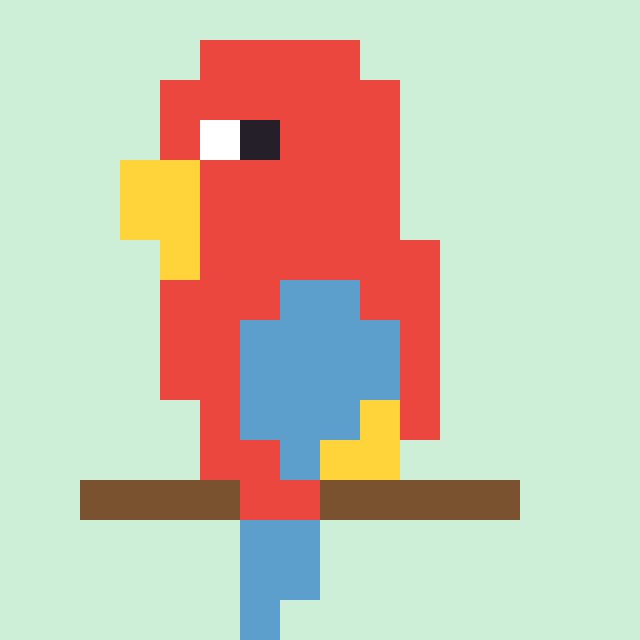 Red Parrot
 Bluebird
 Cherry Blossom
 Potted Flower
 Avocado
 Purple Grapes
 Hot Dog
 Sushi Roll
 Snowflake
 Christmas Bell
 Red Mitten
 Blue Heart
 Green Heart
 Yellow Heart
 Orange Heart
 Christmas Tree at Night
 Snowy Cabin
 Christmas Wreath
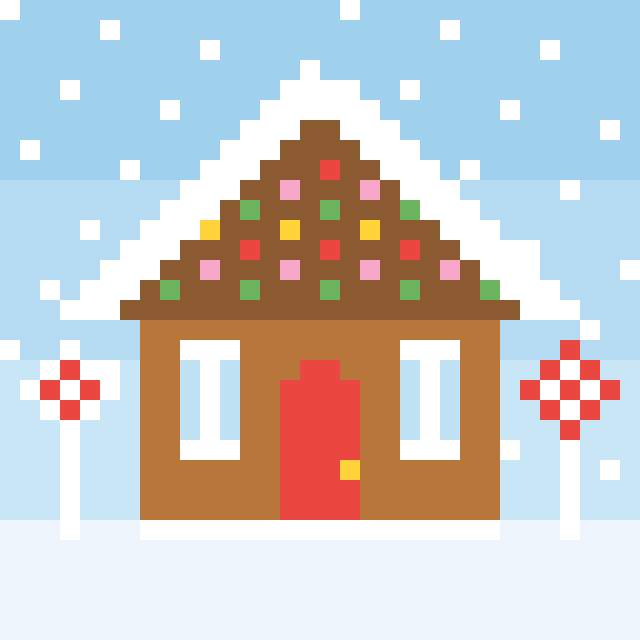 Gingerbread House
 Snowman in the Snow
 Desert Sunset
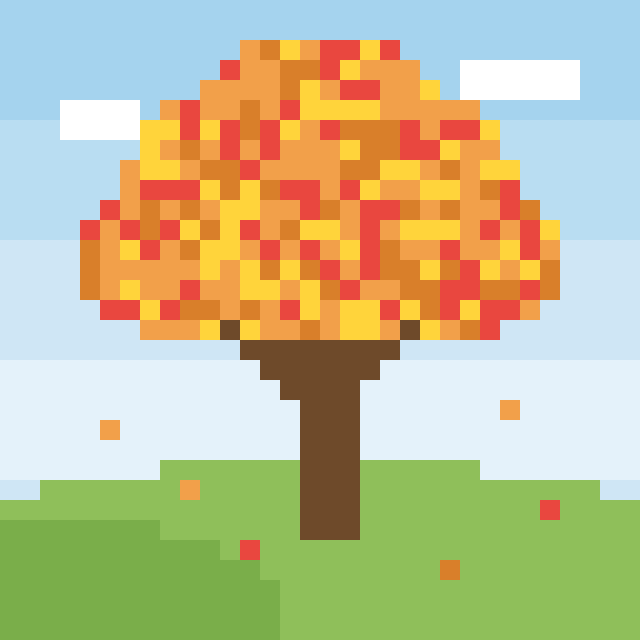 Autumn Tree
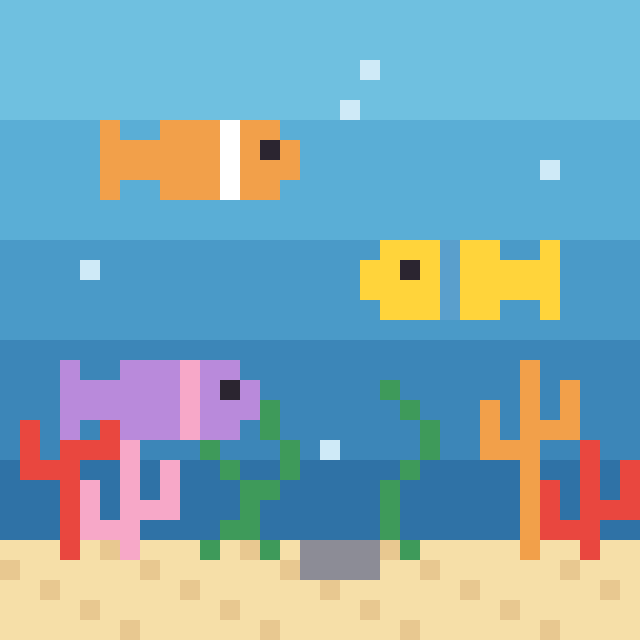 Coral Reef
 Rocket in Space
 Castle on a Hill
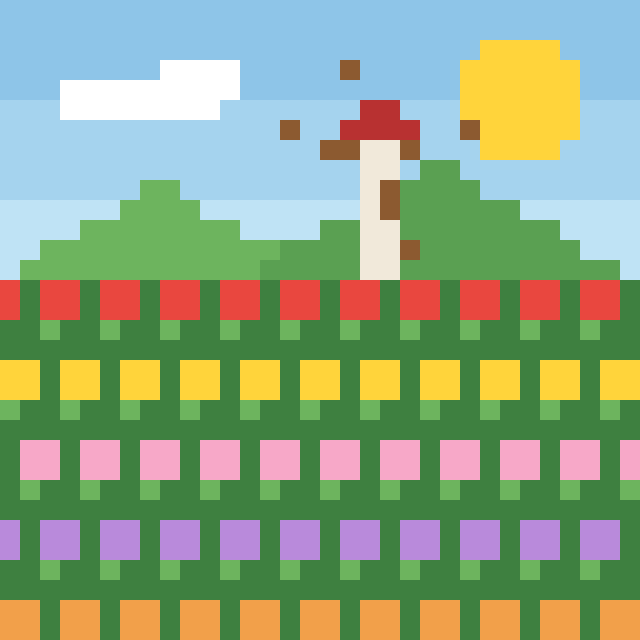 Tulip Field
 Rainbow over the Hills
 Panda with Bamboo
 Whale under the Stars
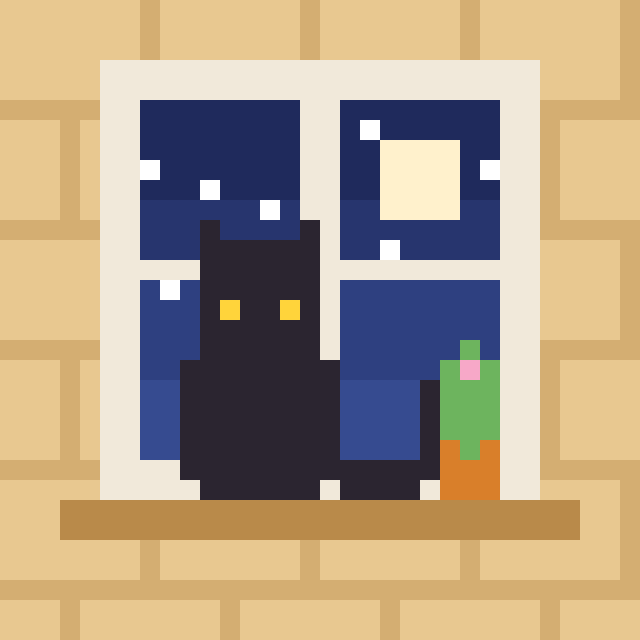 Cat in the Window
 Mushroom House
 Sitting Gray Kitten
 Cream Cat
 Beagle
 Black Labrador
 Polar Bear
 Tiger
 Hamster
 Raccoon
 Giraffe
 Popcorn
 Coffee Cup
 Green Pear
 Lemon
 Peach
 Slice of Toast
 Milk Carton
 Pancakes
 Ramen Bowl
 Wrapped Candy
 Holly
 Christmas Candle
 Hot Cocoa
 Santa Hat
 Snow Globe
 Yellow Star
 Lightning Bolt
 Music Note
 Smiley Face
 Fire
 Water Drop
 Golden Key
 Red Umbrella
 Anchor
 Little House
 Happy Fox
 Smiling Frog
 Pink Pig
 Round Chick
 White Bunny
 Brown Bear
 Sprinkle Donut
 Happy Apple
 Lion with a Big Mane
 Big Sunflower
 Northern Lights
 Christmas Fireplace
 Knight
 Wizard
 Ninja
 Robot
 Astronaut
 Pirate
 Princess
 Viking
 Superhero
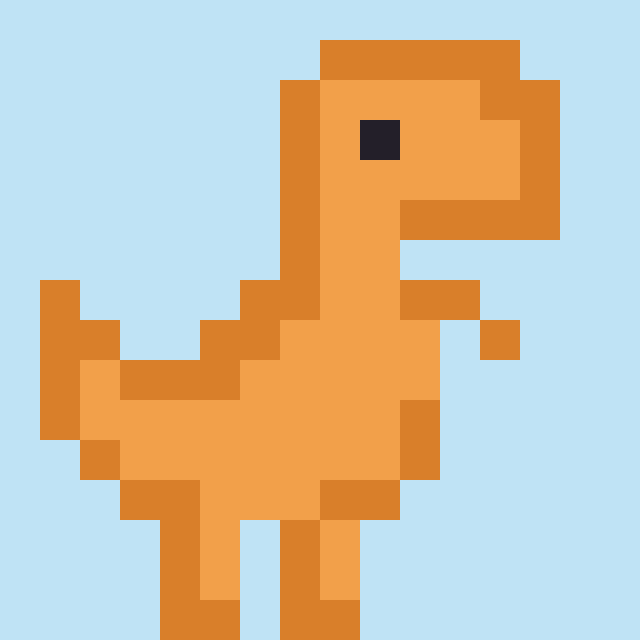 Orange T. Rex
 Blue T. Rex
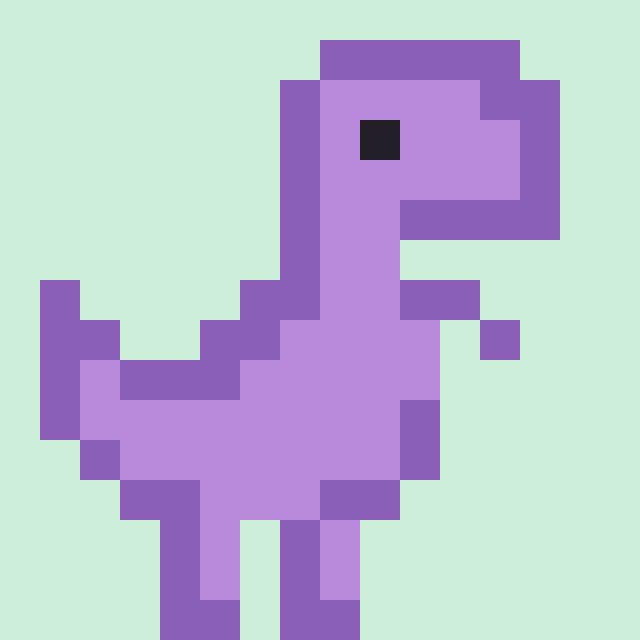 Purple T. Rex
 Triceratops
 Long-Neck Dinosaur
 Stegosaurus
 Dinosaur Egg
 Pink Axolotl
 Blue Axolotl
 Golden Axolotl
 Purple Axolotl
 White Axolotl
 Mint Axolotl
 Blue Frog
 Red Frog
 Yellow Frog
 Frog Prince
 Pink Unicorn
 Purple Unicorn
 Blue Unicorn
 Mint Unicorn
 Happy Axolotl
 Rainbow Unicorn